
10 Tools to Create Infographics Online for Free
Last modified on May 23, 2024
An image sometimes speaks louder than text and can help quickly grab a reader’s attention. The purpose of an infographic is to make it easier to visualize a set of data and to generate engagement. For it to be successful, it must respect not only a certain aesthetic, but also a pleasant and readable structure.
But how do you create infographics without breaking the bank? In this article, we explore a selection of the best free platforms for creating infographics online, so you can communicate your ideas clearly and attractively without breaking your budget.
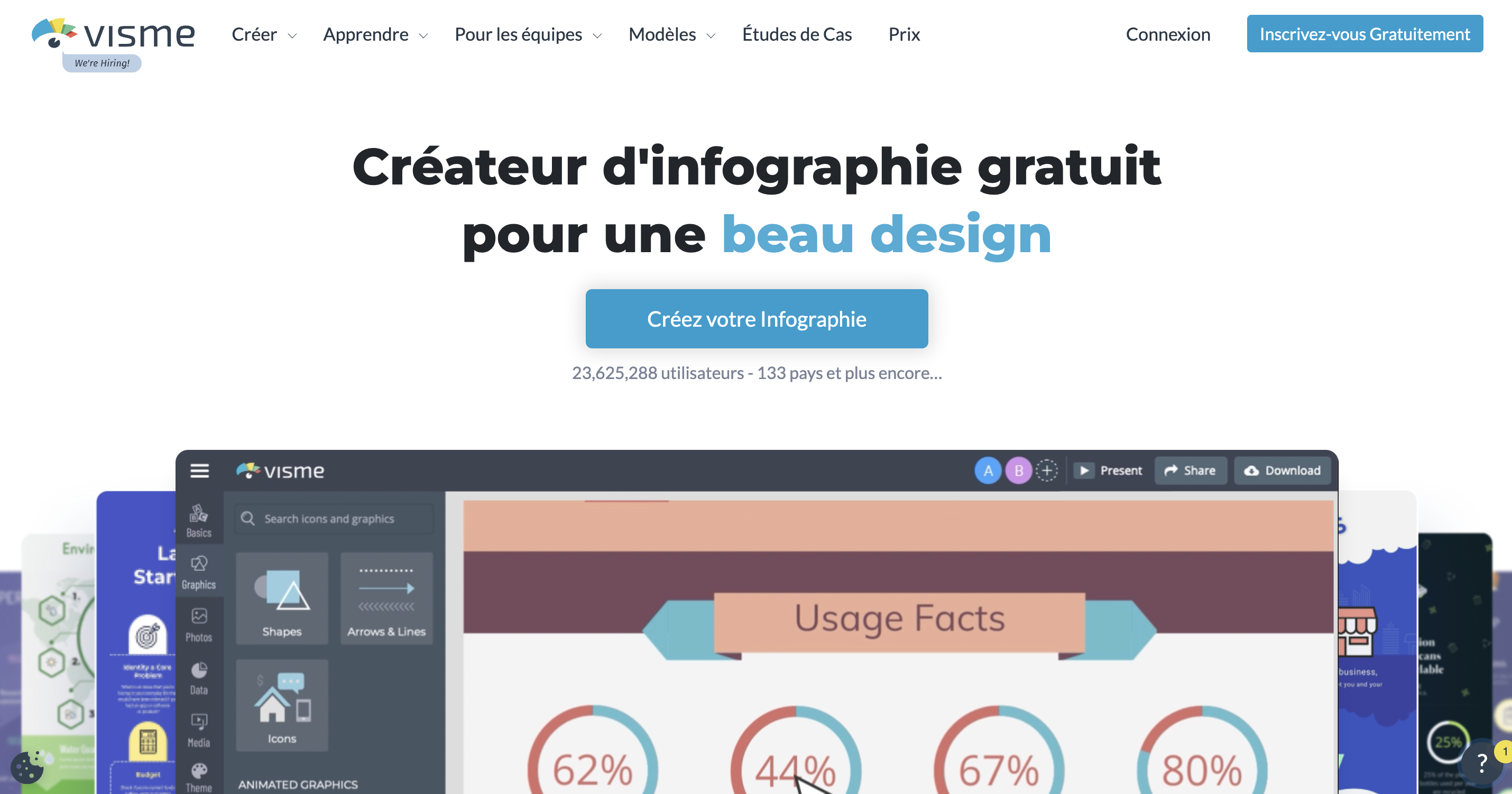
Visme is a free online infographic maker that lets you get a beautiful design. This software is ideal for designing beautiful creations in a few minutes while having the choice among a hundred models. You have the possibility to modify and personalize everything by entering your words, information and data. You can add logos, select fonts and your company colors.
It works with a drag-and-drop editor that allows you to quickly create your visuals. Visme comes with a feature that helps turn numbers and statistics into beautiful infographics. At the end, you can share your creation online, but the free version does not give the option to download it in the desired format.
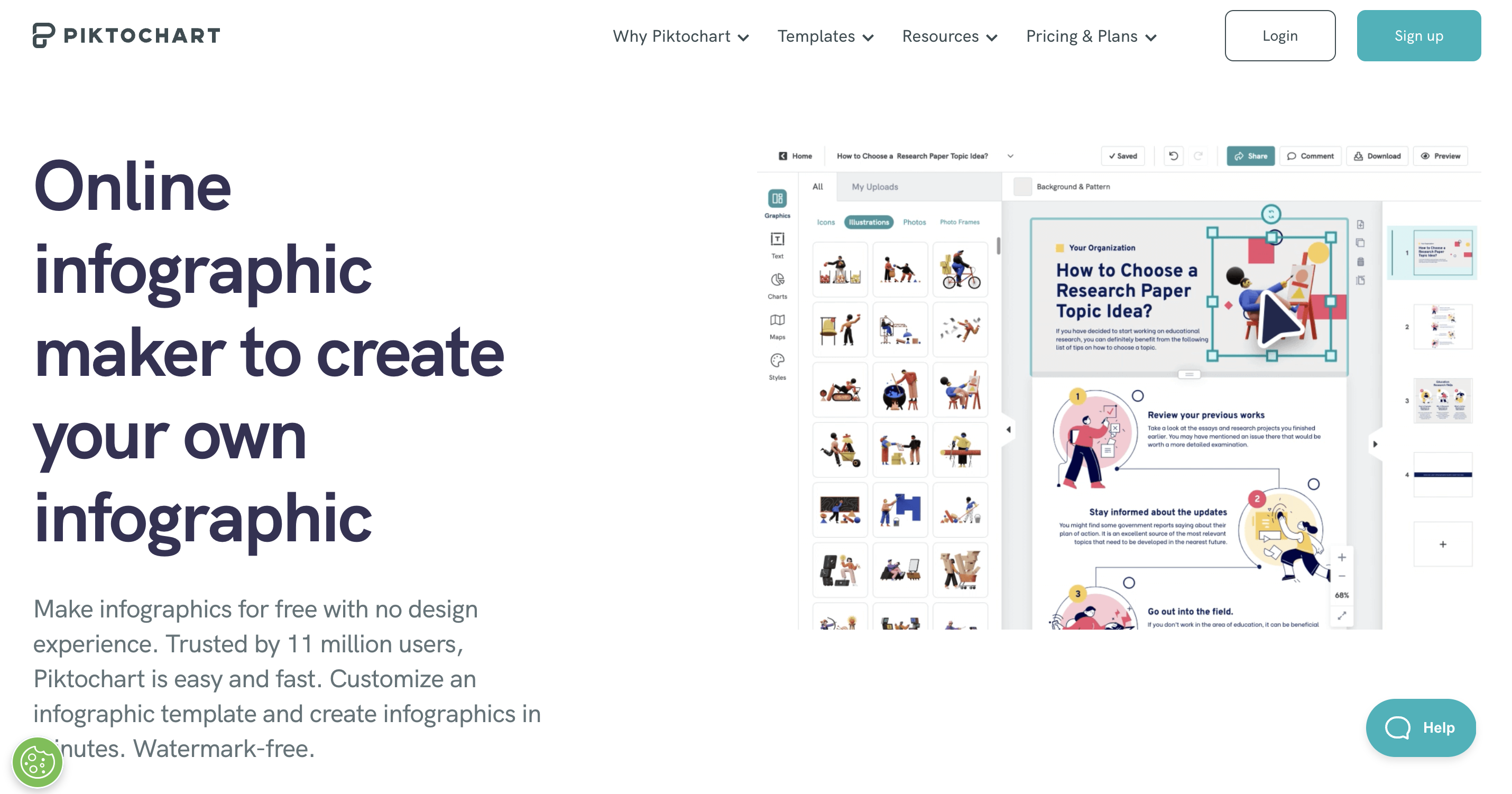
Piktochart is an online infographic creation tool that is perfect for beginners. You can use this software for free even if you don’t have design experience. Easy and quick, it is ideal for creating attractive visuals in just a few minutes, without any watermark. There are over 200 unique infographic templates to choose from, carefully crafted in a qualitative manner.
These are suitable for timeline infographics, comparative infographics, research or survey results. Among the customization options, Piktochart gives the possibility of dragging and dropping a screenshot of your site or your logo to extract the colors. However, the free plan of this tool only gives you 100MB of storage to work with.
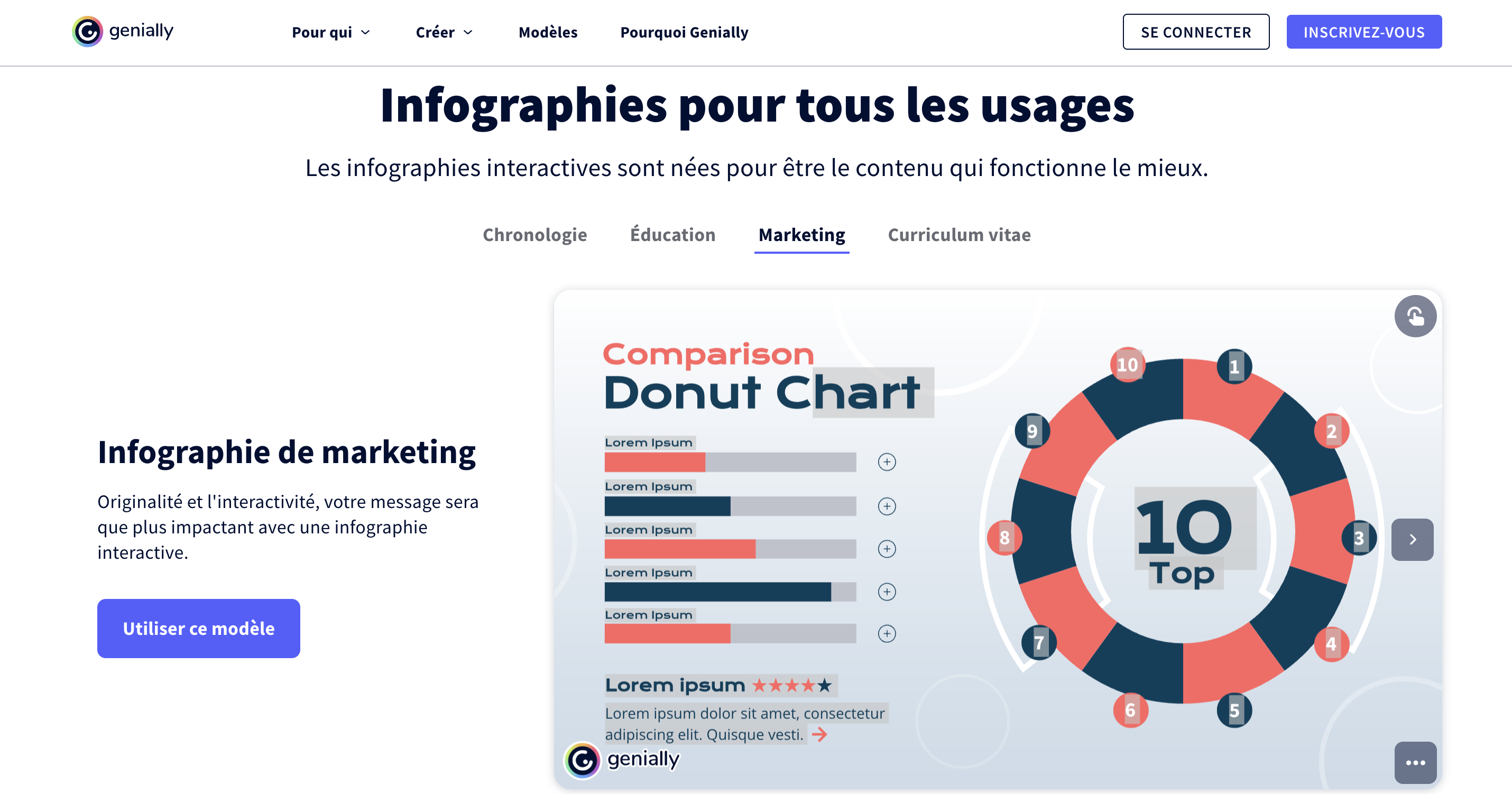
With Genially, you can create interactive and animated infographics suitable for all uses. This tool allows you to stand out by making your sketches unique and original. It has several animation features that you can use to create drawings that reflect your personality. Genially also offers users thousands of predefined templates designed by professionals in the field.
You have the option to choose the one that suits your content or create a new editing box. All you have to do is add the images, colors and fonts using Genially’s resources. However, be aware that the free version of this software does not allow you to remove the brand watermark.
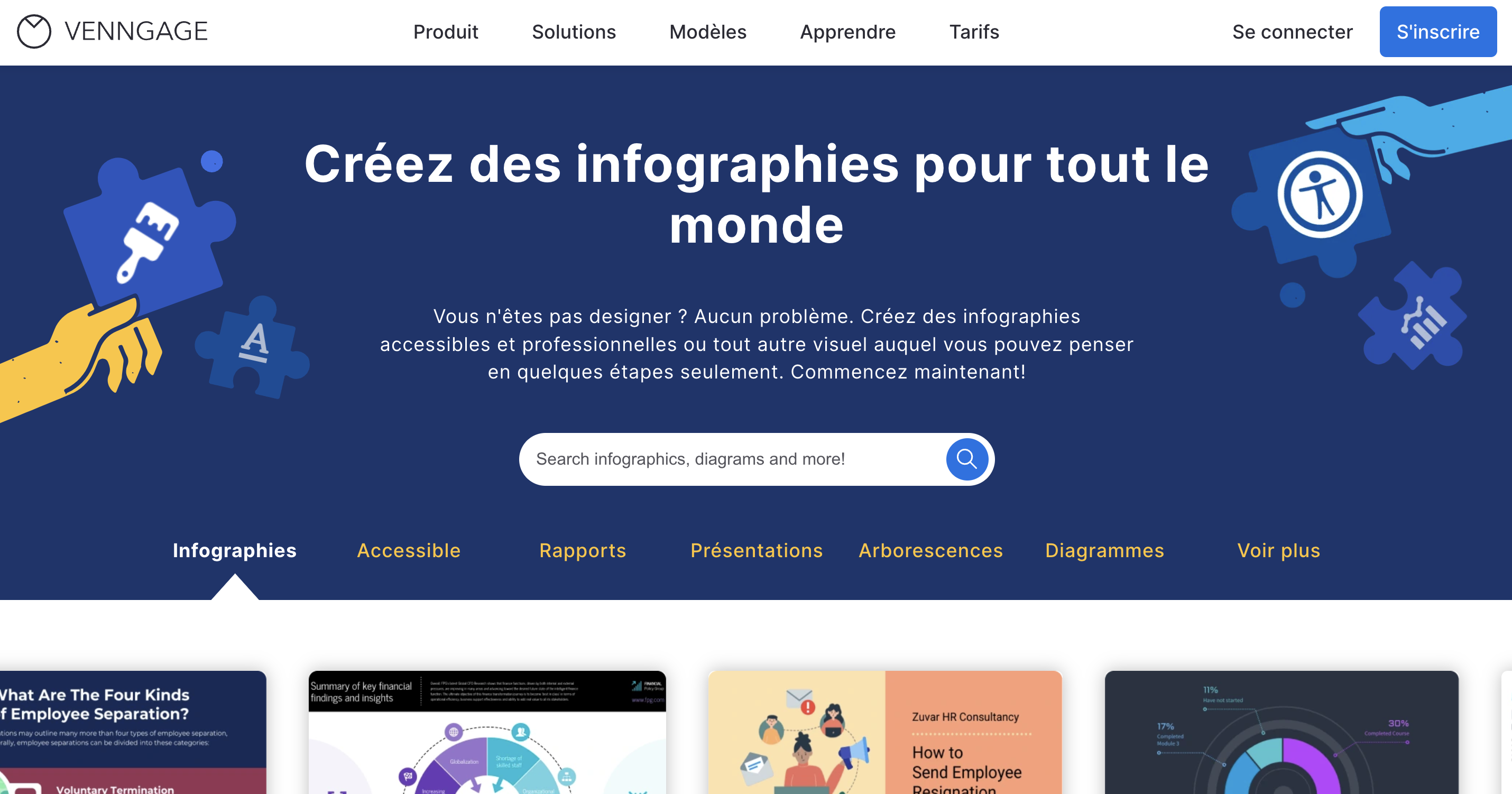
Venngage is the ideal tool for editing irrelevant documents into attractive and compelling infographics. It is free software for creating accessible and professional visuals even without being an experienced designer. It offers you numerous models to explore and which will serve as sources of inspiration for you to do impeccable work.
Venngage allows you to download or share designs with collaborators in order to involve them in the creative process. It is a powerful tool with smart diagram, flowchart, and mind map features that help visualize ideas. However, with the free version, you only get five templates and design options are limited.
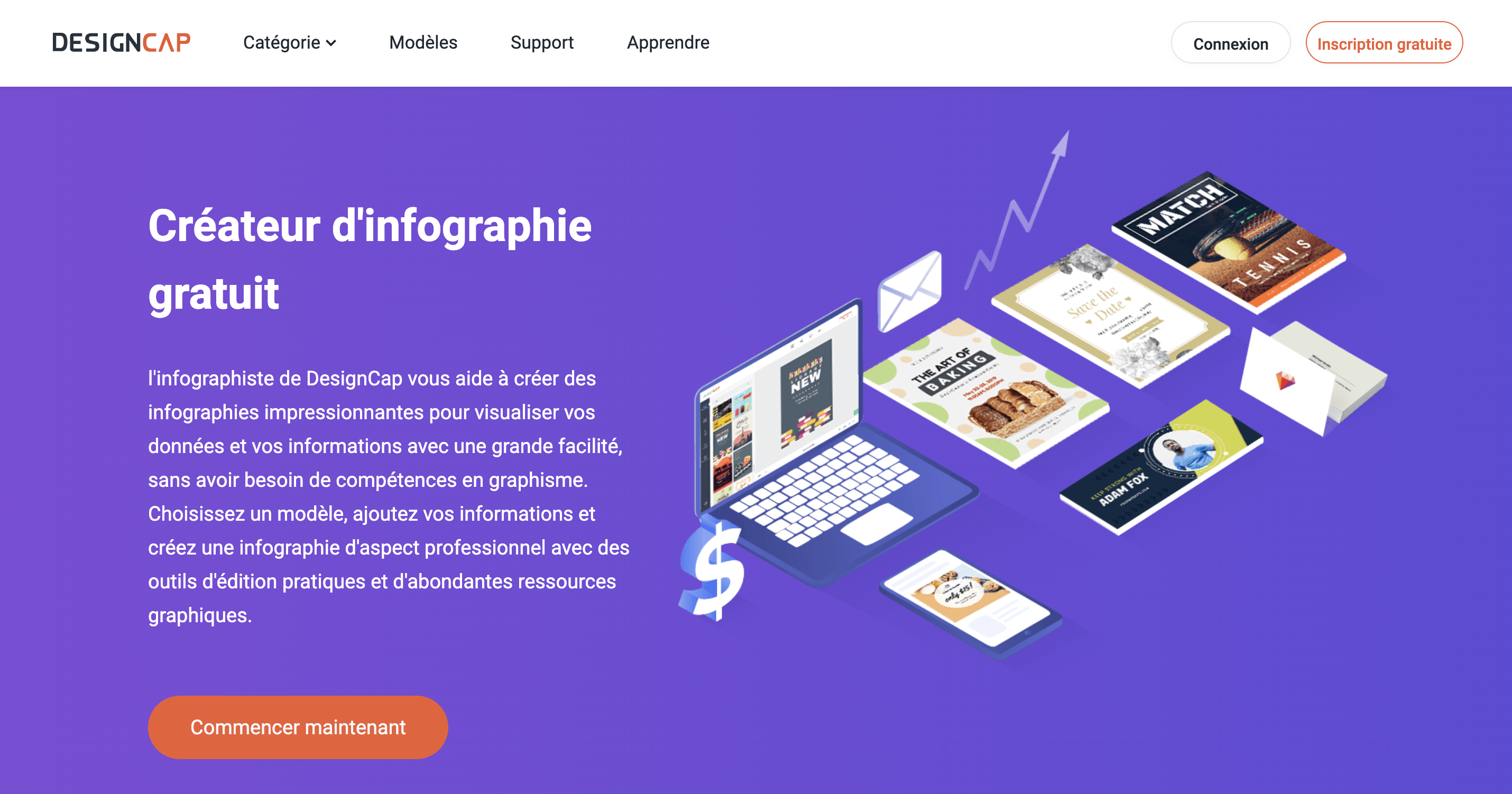
DesignCap’s editor helps you create impressive visuals to express your information with great ease. This tool does not require any graphics skills and is an ideal intuitive solution for novices. It offers a range of expertly designed infographic templates and convenient editing tools.
DesignCap allows you to personalize your work, download it, share it and print it. Thanks to the multiple ready-to-use designs available, you can adapt your visual for professional purposes (YouTube, Facebook, Instagram publication). This software is compatible with the majority of browsers, but the free version does not provide customer service.
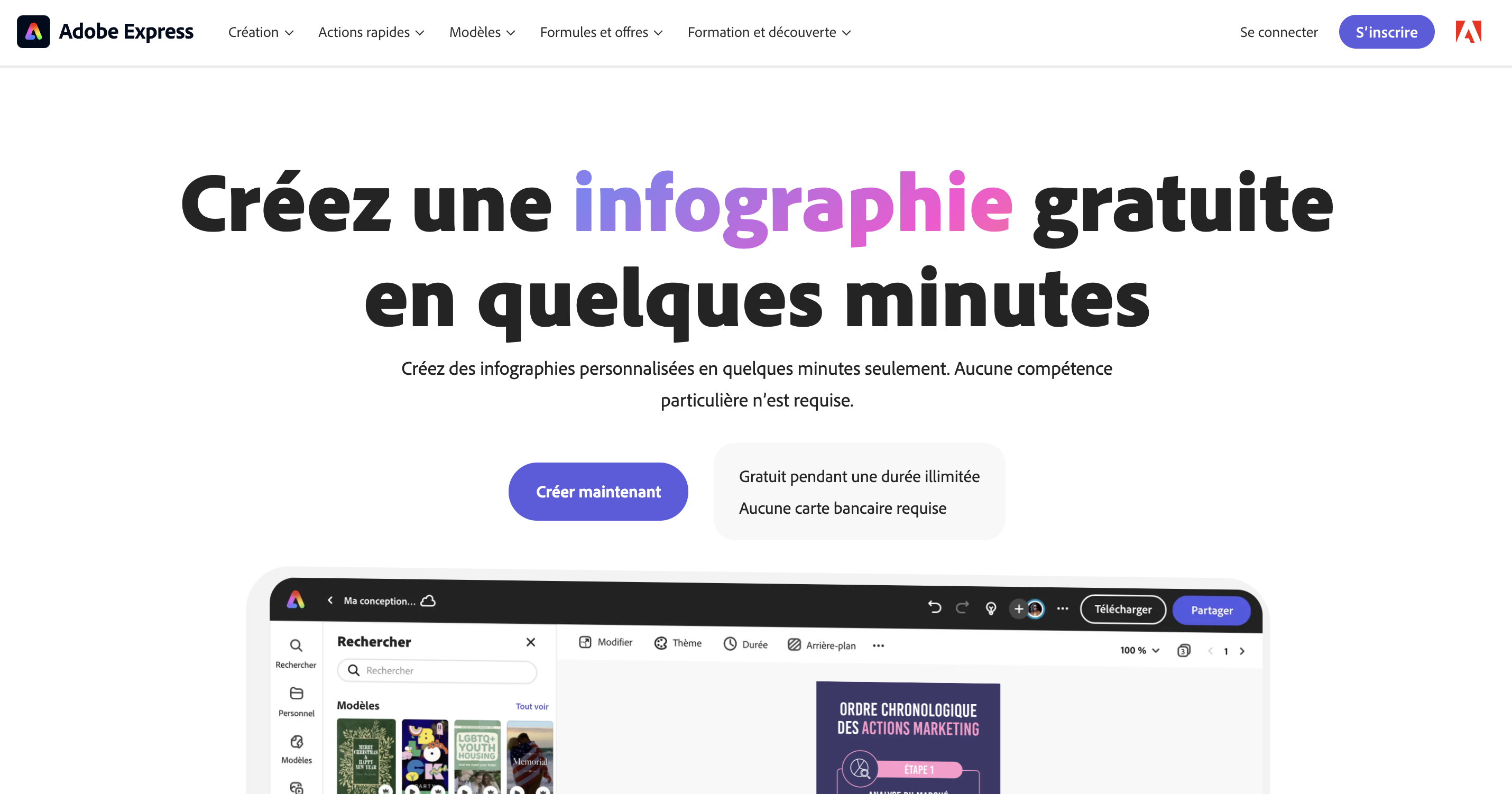
With Adobe Express, you can create a quality infographic for free in minutes. It is software that allows you to convey your message through rendering that reflects your brand. You have the possibility to add your text, insert your logo and your colors in order to design a unique infographic. This tool is effective for resizing your visuals to share by email or adapt them to printed media.
Adobe Express lets you edit every aspect of your work and provides a preview panel. The latter is ideal for adjusting certain parts and adding the final finishing touches. It is integrated photo effects software (background removal, animation), but the free plan does not offer conversion and export to the different formats.
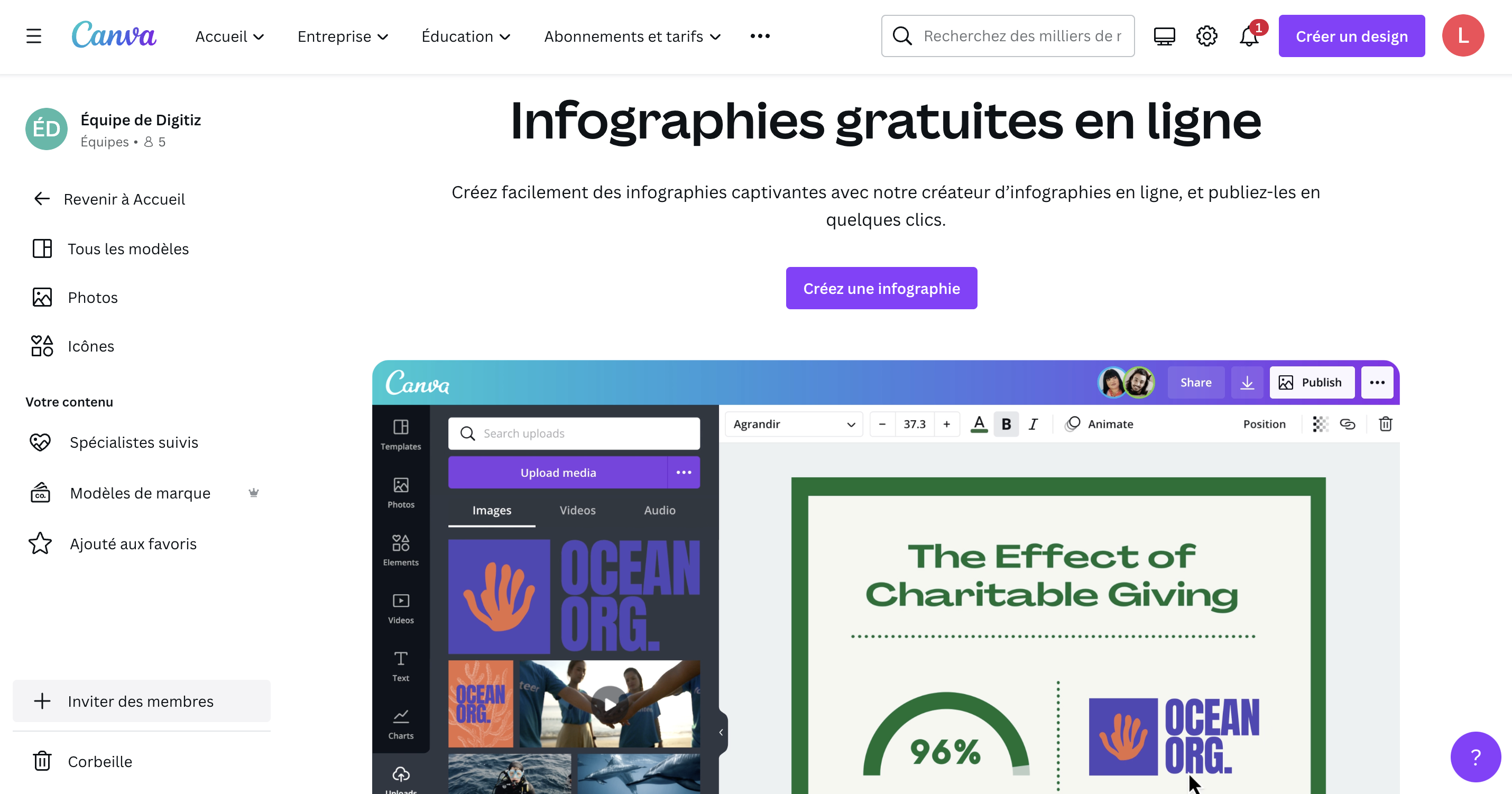
To easily create captivating infographics and publish them in just a few clicks, Canva is the best tool. It has all the artistic elements you need, including icons, stickers and images. All you have to do is drag and drop one of these onto your design to create an authentic visual. Its library includes nearly twenty diagrams and graphs to customize freely.
To facilitate teamwork, Canva allows you to send a read-only or edit link to your collaborators. You can add members to work on different designs and make reviews easier with comments on specific elements. However, it should be noted that the free version of this tool does not provide the ability to resize designs.
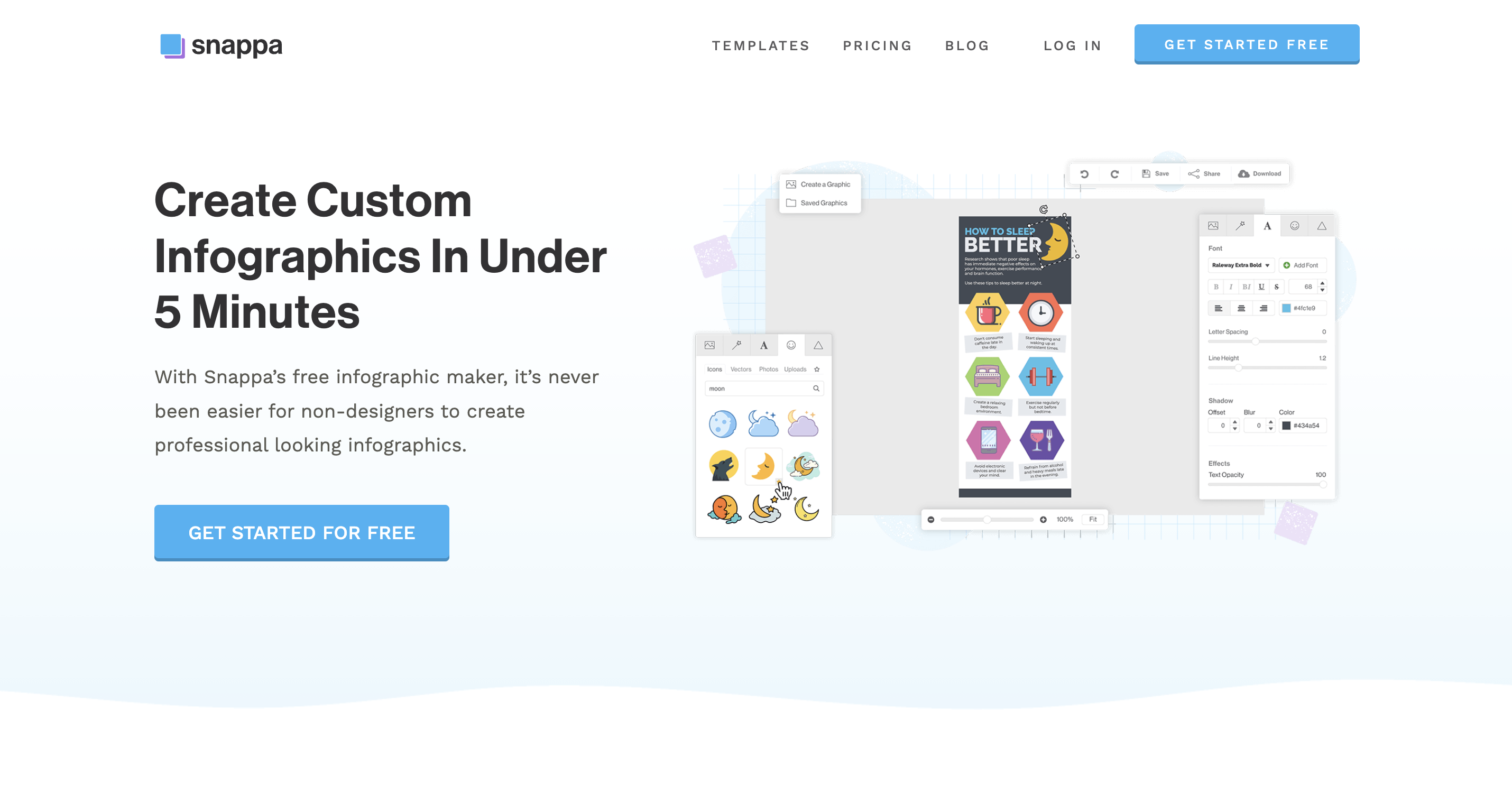
If you want to design professional-looking infographics in record time, go with Snappa. It is a powerful tool that allows you to save time thanks to the predefined infographic dimension optimized for the web. This way, you can be sure that your visual elements are proportionate, that your texts are balanced and that the colors complement each other.
You can start with one of the many templates available and gradually add your personal touch according to your brand identity. You have access to more than five million high-resolution, completely copyright-free photos. With Snappa it is possible to create blog graphics, banners, Twitter headers and image quotes. However, keep in mind that this tool’s free plan only offers three infographic downloads per month.
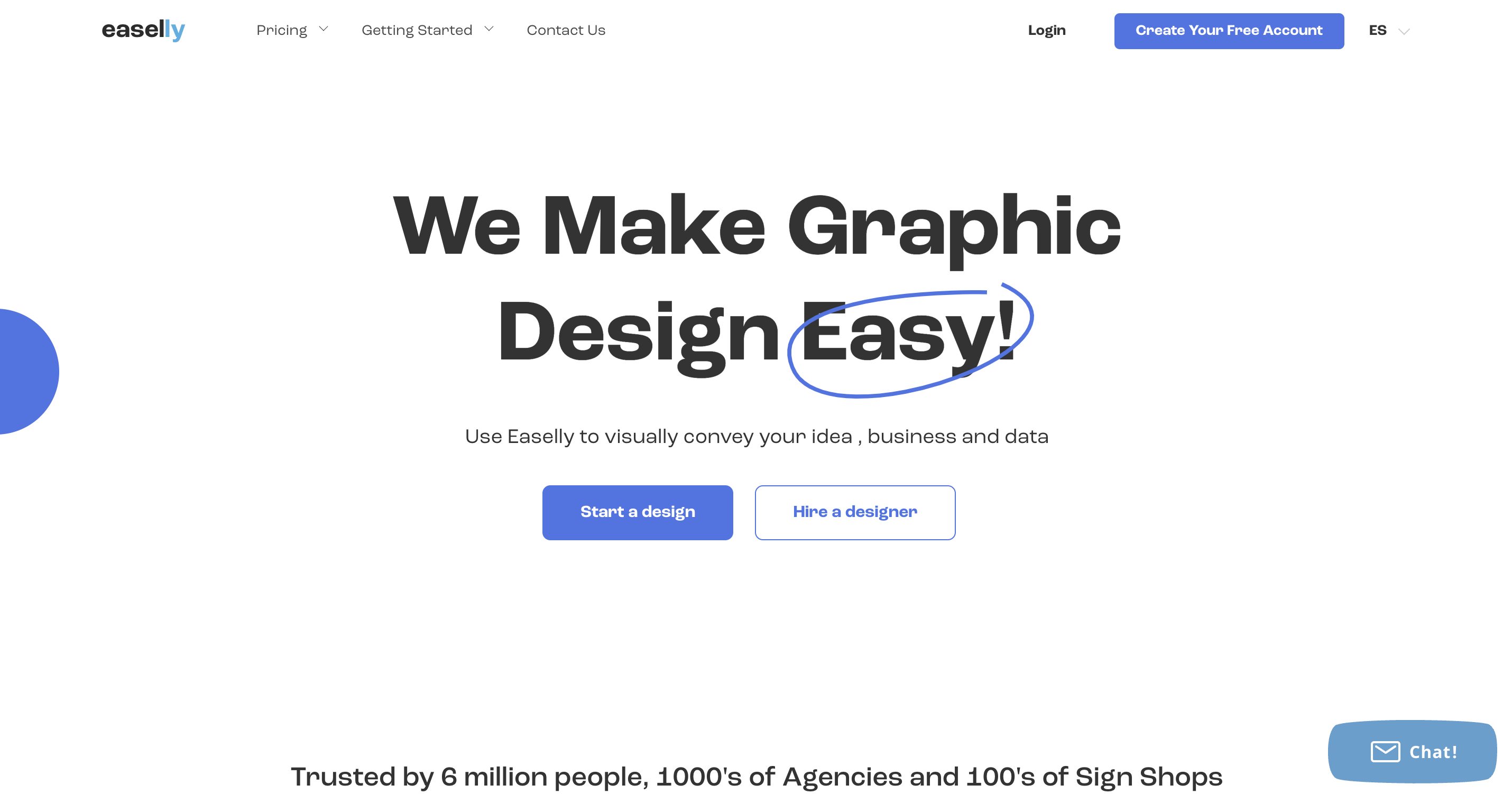
Easelly is the right tool to visually convey your ideas, your data and your business in an original way. Its many features allow you to enhance your next graphic presentation and encourage more people to share your content. You can rely on the templates offered to create a stunning visual that reflects your needs in a simple and concise way.
You work on a user-friendly and ergonomic interface that offers smooth navigation, simplifying the process. This software is one of the best infographic platforms on the market because it guarantees a gentle learning curve. In addition, customer service is very responsive and remains at your disposal to quickly get started with the tool. However, there is no free version of Easelly, only a seven-day money-back guarantee.
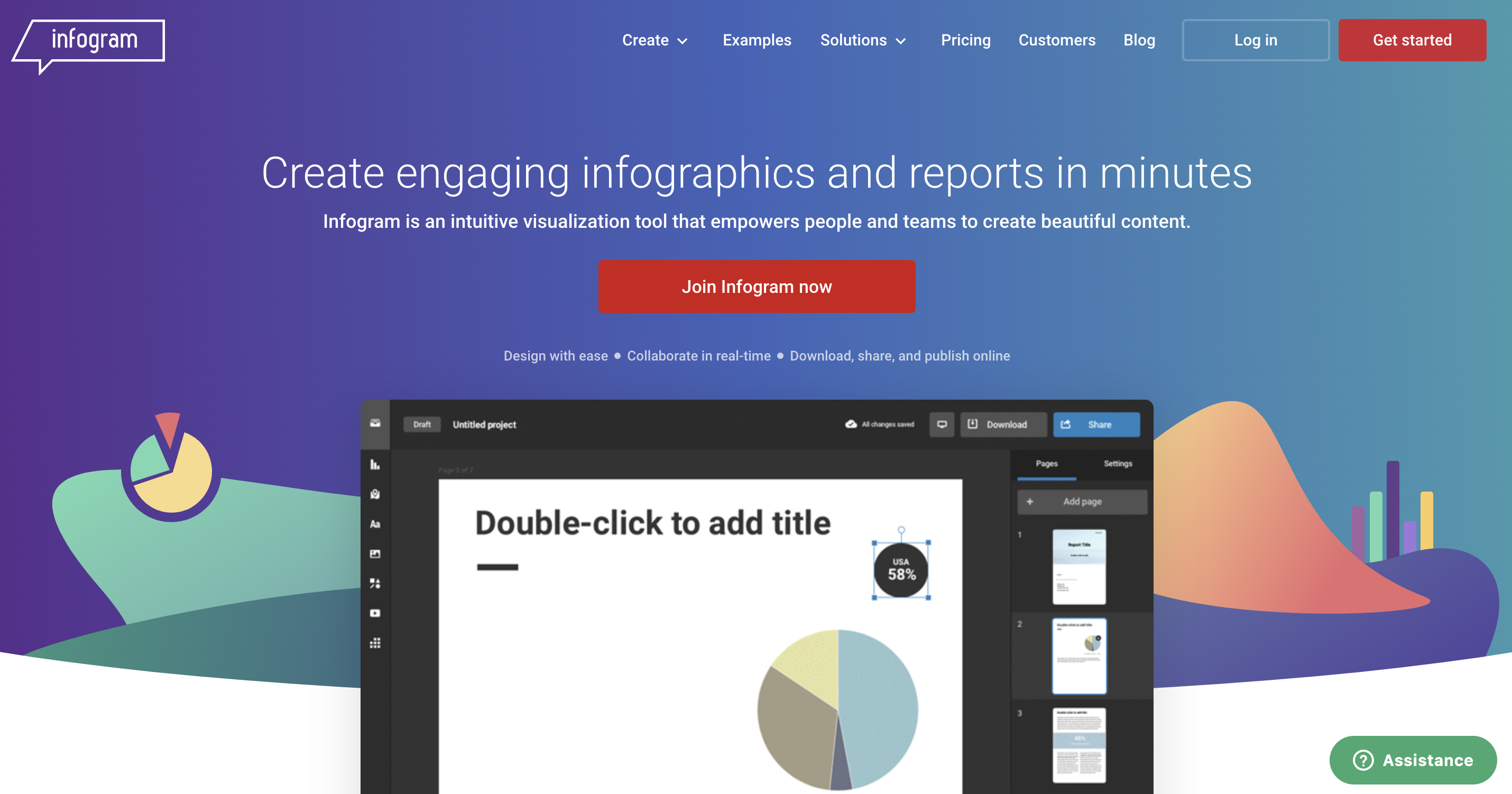
Infogram is an intuitive visualization tool that promotes the creation of aesthetic renderings, alone or as a team. It allows you to save time and impress your audience with interactive content while respecting your visual identity. It is a software integrated with many animations and which offers improved interactivity with tooltips, legends and tabs.
It gives you the ability to zoom, rotate, fade and drag objects without any special effort. Infogram offers endless collaboration options with settings to adjust your team’s permissions. You can view data in real time, design, edit and publish projects from a team library. However, the free plan of this tool does not allow downloading HD videos and images.