

Last modified on April 26, 2024
Google Analytics is an essential tool for tracking your website traffic and understanding how users navigate within it. Here are the steps to install Google Analytics on any website.
Steps to install Google Analytics
Registering on Google Analytics is done in a few steps that we will do together step by step.
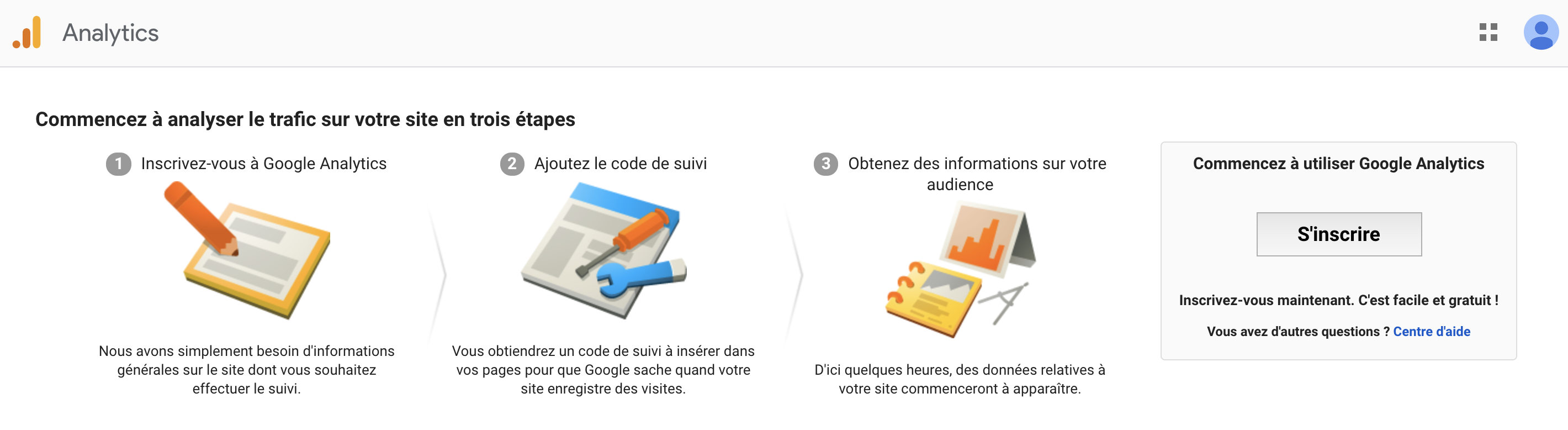
Step 1: Create a Google Account or use an existing Google Account
If you already have an existing Google or Gmail account, you don’t need to create a new one and you can skip to the next step. If you don’t have a Google or Gmail account, click this link to create one and fill out all the information in the form.
Step 2: Register your site on Google Analytics
Then, you need to register on Google Analytics with your Google account and give the information of your website without forgetting to change the time zone to select the one you want.
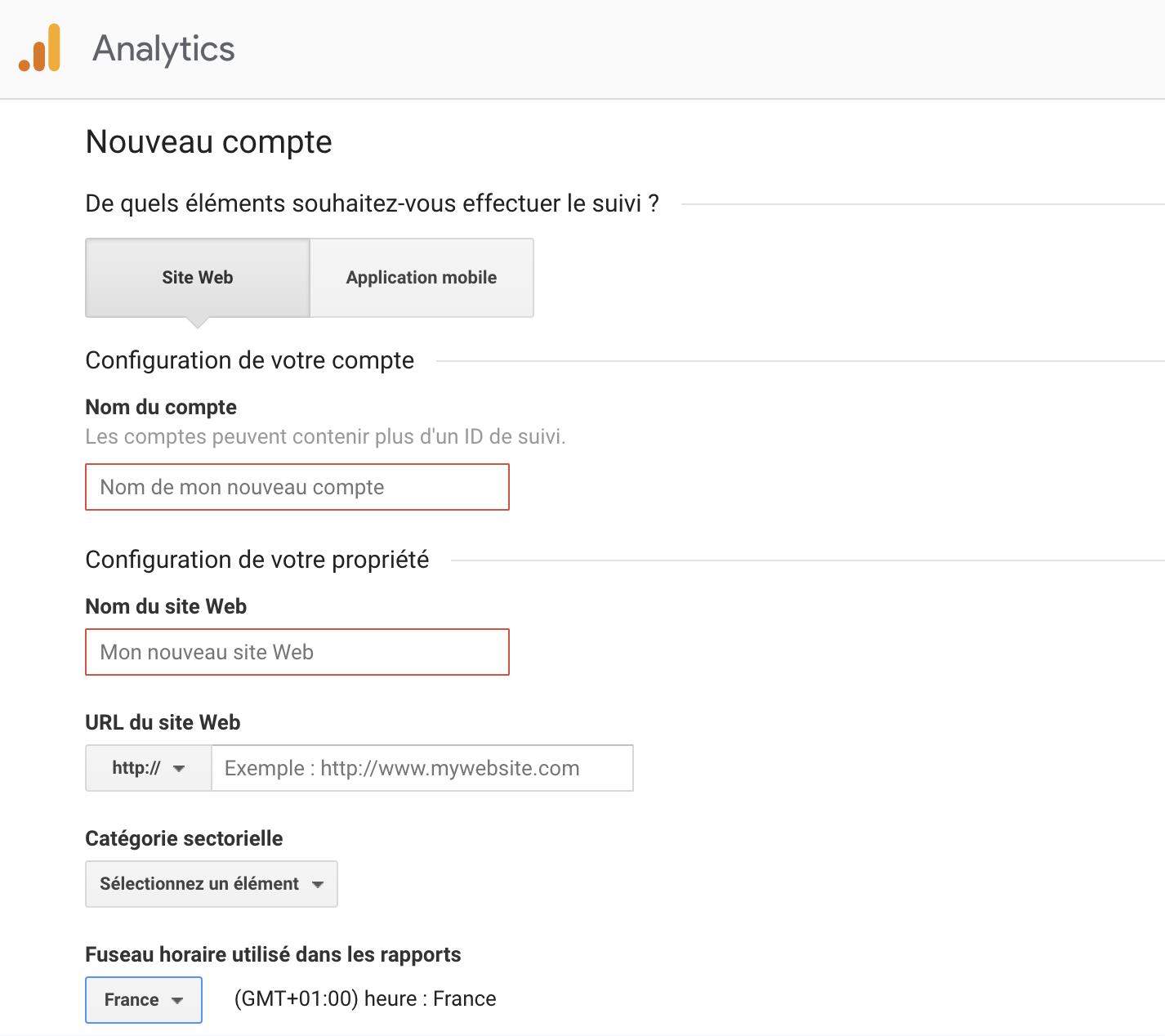
Once you have filled in your site information, you must accept the Google Analytics Terms of Service and any additional terms that apply to data shared with Google.
Step 3: Add the tracking code to your site
In order for Google Analytics to be able to view your site data and track users, you will need to install tracking code on your website. If you are not experienced in adding code, we recommend contacting the administrator who manages your website.
In this case, the code must be integrated in the section of each web page you want to track.
If you are using WordPress, this is much easier. There are many plugins that allow you to automatically connect your site to Google Analytics. One of the most popular plugins that I use personally is Google Analytics Dashboard for WP (GADWP).
Step 4: Make sure the tracking code is on all pages
To check that the Google Analytics tracking code is properly integrated on all pages, there is a very practical tool called Sitechecker which analyzes all the pages of your website by indicating the name of the latter.
What to do after installing Google Analytics?
The good news is that your site data is now collected by Google Analytics that you can start using. However, not all traffic sources such as search terms used by Internet users will be visible on Google Analytics. This is why you should also register your site on Google Search Console in order to see the queries used to arrive on your site. This tool is also essential to see the overall health of your website for organic SEO on Google.
To sign up, all you have to do is connect your site to Google Search Console and verify with Google that you are the site owner using your Google Analytics account.

Passionate about the web and entrepreneurship, I founded Digitiz in 2016. My goal is to share my experience with you and save you time in choosing your tools.
Similar articles