Tips for doing advanced searches on Google
Last edited on July 18, 2021 by Digitiz
Would you like to know the secrets of Google search? The search engine hides advanced features that will help you significantly refine your search results.
Here is a list of tips and tricks for using Google properly, all illustrated with an infographic from the Dailyinfographic site:
Advanced Google search tips
Here’s how to get the most out of your daily Google searches:
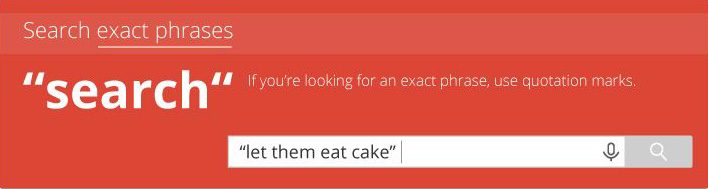
Phrase search:
If you are looking for an exact phrase, use quotation marks
Exclude a word:
Put a hyphen before a word to exclude on a search phrase. This is very useful if, for example, you are looking for a word with several possible meanings.

Search within a site:
If you are looking for an expression only within a site, indicate your query followed by site:urlof the site

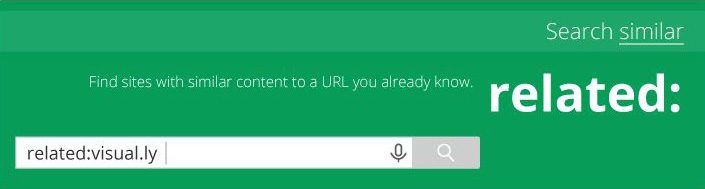
Similar search:
To search for sites with content similar to another site, simply type related:urldusite
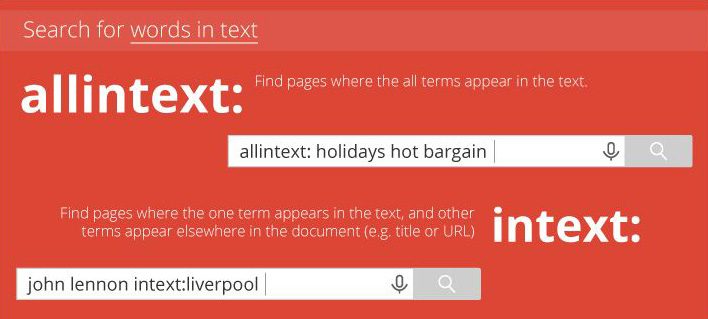
Search for words in the text:
function allintext: allows you to find pages where all terms appear in the text. intext: allows you to search for pages with a term appearing in the text.
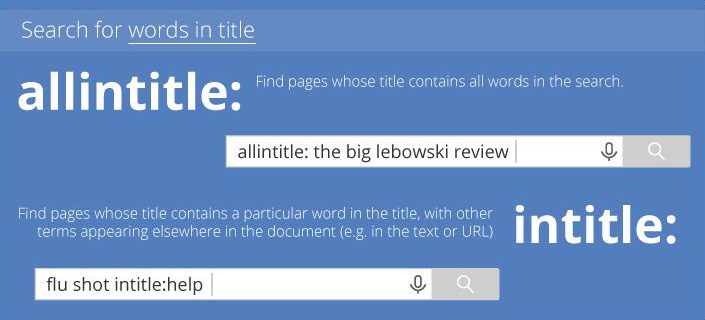
Search for words in titles:
allintitle: allows you to find pages where the title contains all the words in the query.
intitle: allows you to limit the search to pages including the keyword in their title.
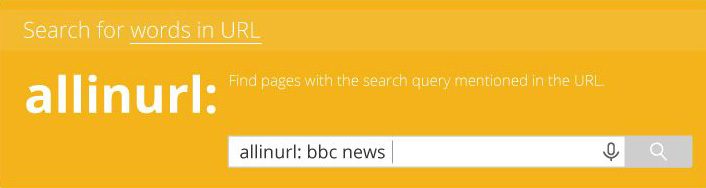
Search for words in a URL:
Search pages with the search query mentioned in the URL with allinurl:
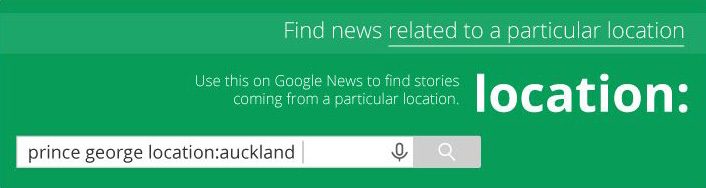
Find news related to a particular location:
Use location: places on Google News to find articles from a particular location.
Search for a particular file type:
With filetype: Google will limit results to pages that end with the file type (example: pdf, xls, etc.)

Search for a range of numbers:
Separate numbers by two periods to display results that contain numbers in the given range.

Find a word you forgot:
Do you have a memory lapse? The asterisk works like a wildcard and helps you find the missing word in a sentence.

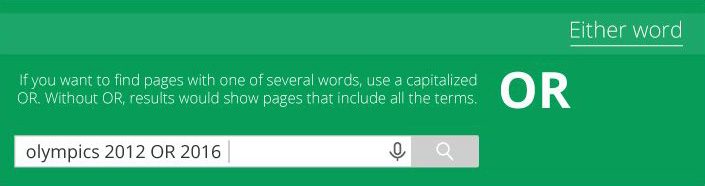
Search for one query or the other:
If you want to find pages with two words distinctly, use “ GOLD“ . Without this feature, the results would show pages that include all terms.
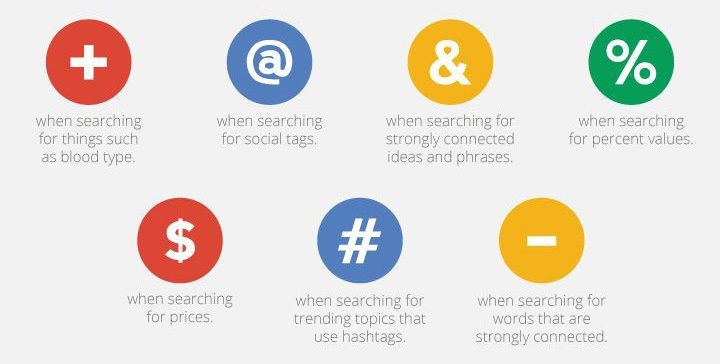
What is not used by Google:
Besides the examples above, Google generally does not recognize punctuation, conjugations, capital letters, or special characters unless +, @, &, %, $, #And –
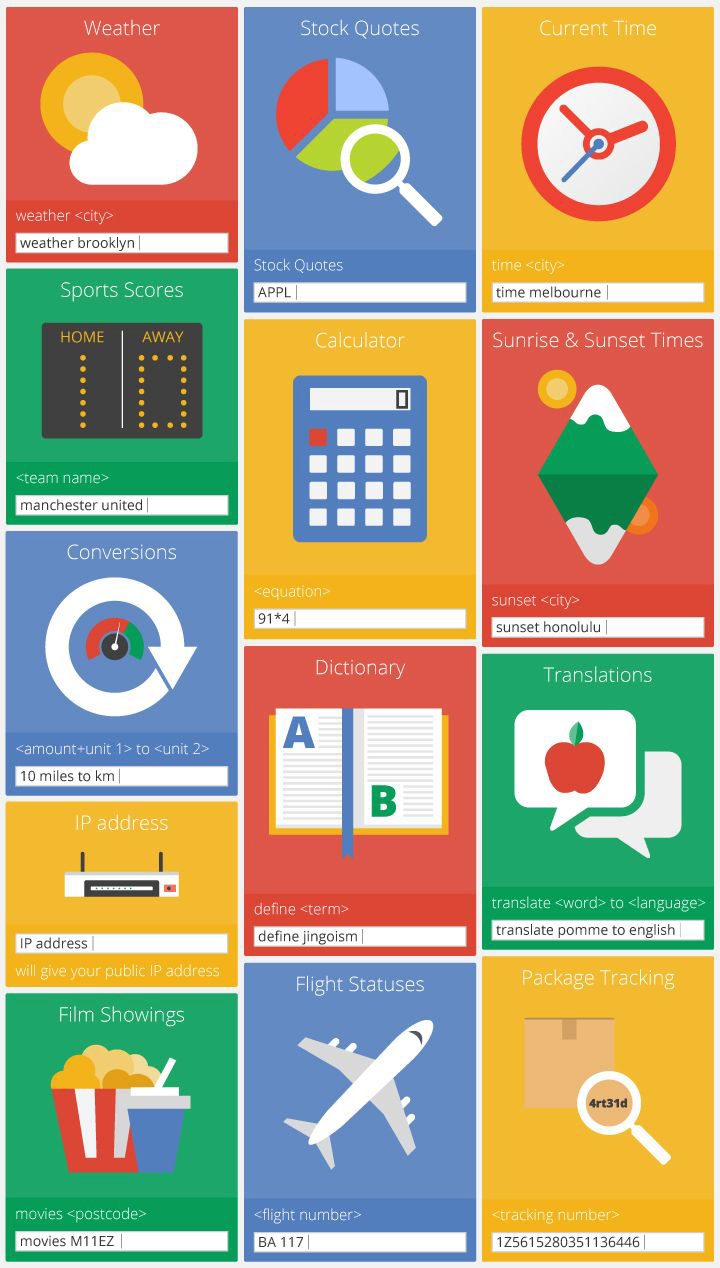
Google’s hidden features
Google also has some special search features that will help you find what you’re looking for, faster:
- Know the details of a flight
- Weather
- Stock market quotation
- Time relative to a place
- The results of a match depending on a team
- The calculator function
- The time of sunrise and sunset relative to a location
- The version function
- Find out your public IP address
- Know the definition of a term with
- Translate a term into a language
- Films broadcast in your city
- Track your package based on its tracking number
Do you know any other tips or tricks for your Google searches? Don’t hesitate to indicate them in comments!
Similar articles